

PDF
Visual reports
Results, measurements and configured image evidence in a document ready for review and sharing.
Customer review & quality records
Industrial test & automation software
Bring confidence to your test floor.
Flexible test sequences. Connected instruments.
Clear production results.
About the platform
BHARAT TEST SUITE is configurable industrial testing and automation software developed by Raju Bros Softech Pvt ltd. It helps manufacturers and machine builders connect supported devices, create test sequences, automate production testing, and trace results.
With programming and flashing, barcode validation, MES integration, KPI dashboards, activity logs, and PDF/CSV/TXT reports, it brings test development, production, and quality analysis into one platform.
Explore the complete software overviewDepth where it matters
Explore the capabilities behind the interface—from individual device commands to the production record.
Build reusable flows with groups, limits, variables, timing and controlled execution.
Explore capability /02Bring instruments, DAQ, relays and communication interfaces into one configuration.
Explore capability /03Guide operators from barcode validation to visible results and saved test records.
Explore capability /04Connect pre-test checks, result exchange, reporting and unit-level history.
Explore capability /05Investigate communication, configure specialist tests and maintain your station.
Explore capability /06Share permitted production information across your trusted local network.
Explore capabilitySpecialist modules depend on your licence, hardware and station configuration.
A closer look
Inspect real application screens. See the separation between engineering configuration and daily production work.
The sequence grid and selected-step editor put device actions, commands and response settings together. Switch between grid, tree and visual views as you review the flow.
See how it worksThe production view separates live step results from device status and the final result. This ready-state capture shows the workspace before a test begins.
See how it worksThe device form brings port settings and USB identity into the same view. Inspect the saved identity when a reconnect changes the COM port.
See how it worksKPI Dashboard
Explore five views from BHARAT TEST SUITE’s actual KPI module, using a consistent demonstration dataset across four fictional product models.
See total tested, pass rate, failed units, average cycle time and handling time together. The Analytics view connects these figures with production trends and failure hotspots.
Review production totals, PASS/FAIL results, pass rates, average cycle times and trends for each model. Choose a daily, weekly, monthly or custom reporting period. This example uses 4–10 October 2026 for the same four demo models shown in Model Analysis.
Open Tables → Failure Analysis to compare monitored test steps by pass count, fail count, failure rate and configured limits. The chart highlights which checks need attention.
Search a barcode to see saved attempts and their step results. This fictional lamp has one failed attempt followed by a passing retest, with measured values and limits available for review.
The Model Comparison view brings totals, passed and failed quantities, pass rates and cycle times together for DEMO-LAMP, DEMO-MOTOR, DEMO-SENSOR and DEMO-CONTROL.
Demonstration dataset: 4 models · 4,200 test attempts · 4,056 passed · 144 failed. Dashboard and Failure Analysis show DEMO-LAMP’s 1,500 attempts. These examples do not represent customer production or measured product performance.
Explore reports & traceabilityHardware connectivity
Connect test instruments, DAQ modules, cameras, barcode readers, PLCs and industrial I/O through configurable interfaces.
Data acquisition & modular I/O
NI-DAQmx · USB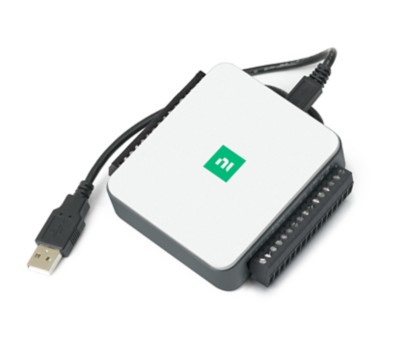
Industrial DAQ & I/O
DAQNavi · USB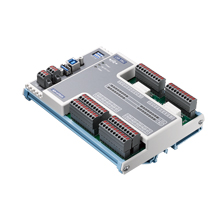
Measurement & test instruments
SCPI · VISA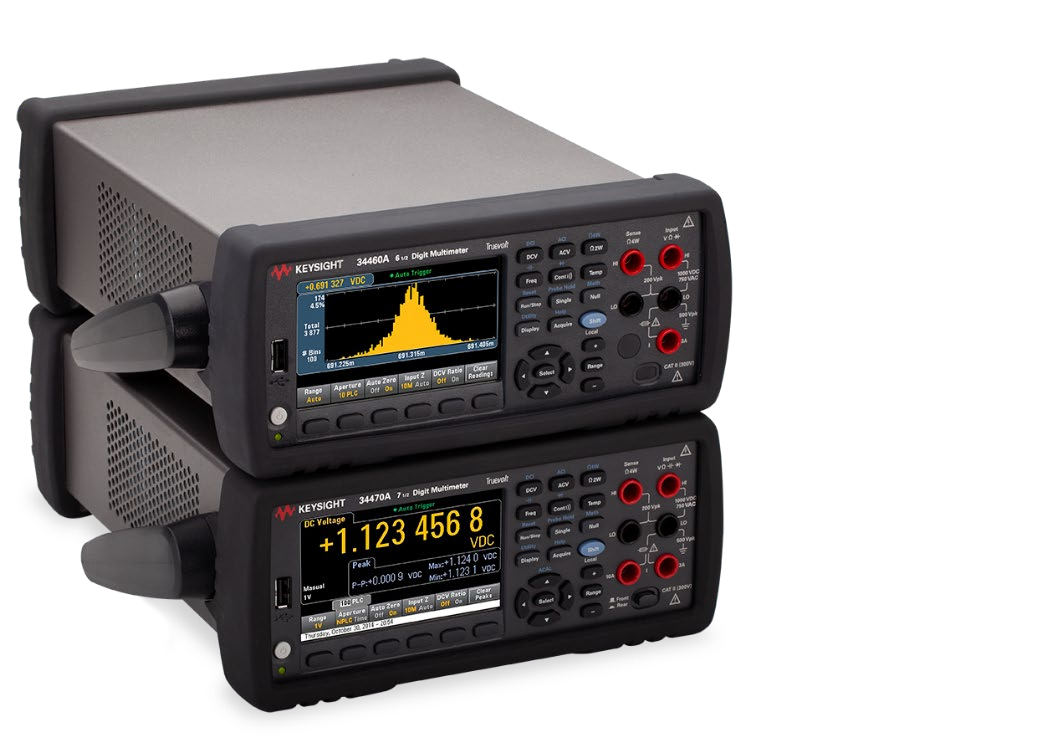
Power & bench instruments
SCPI · USB / LAN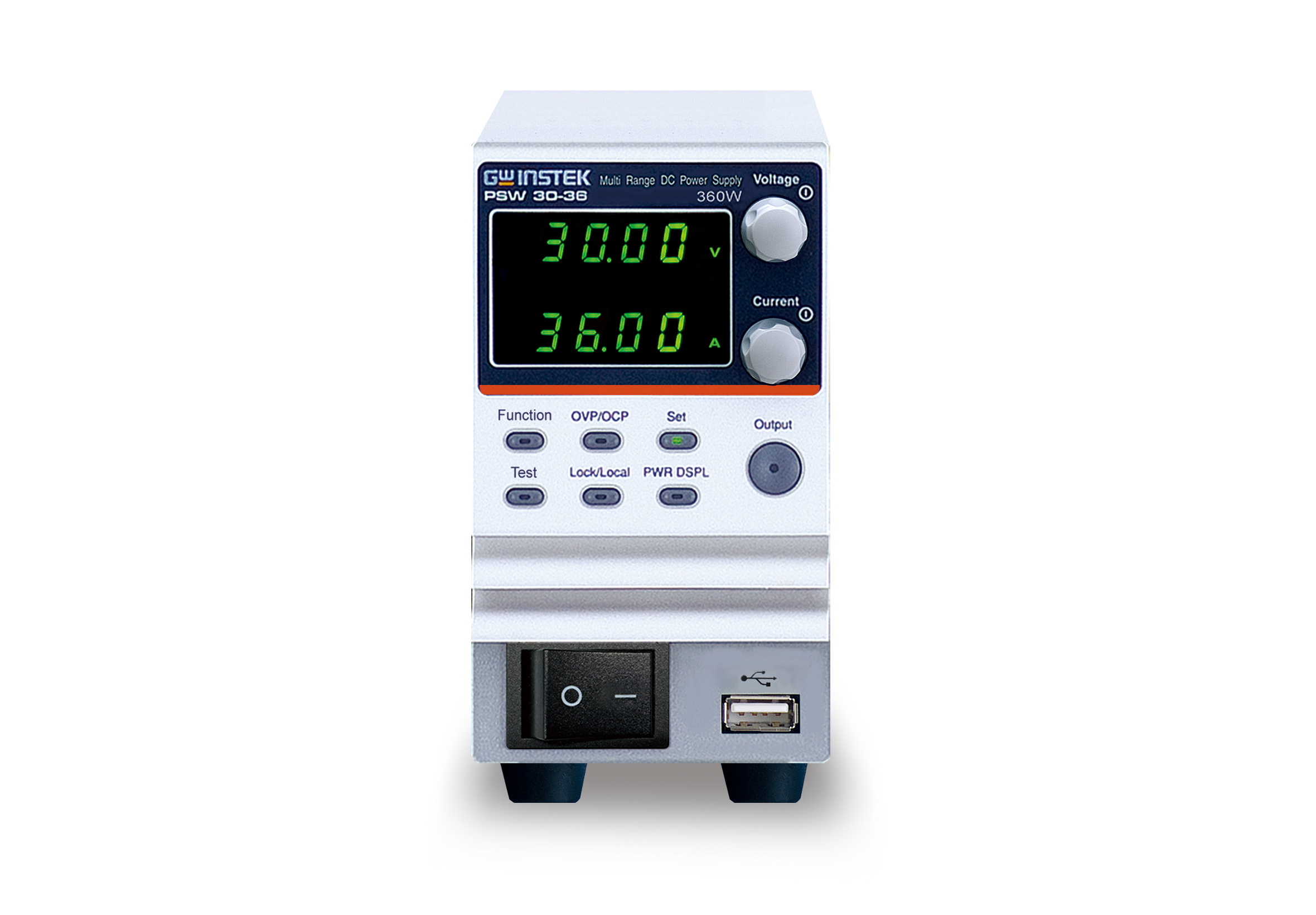
Programmable power & loads
SCPI · VISA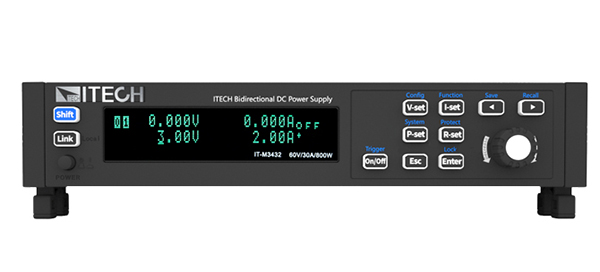
Power, loads & battery simulation
SCPI · Modbus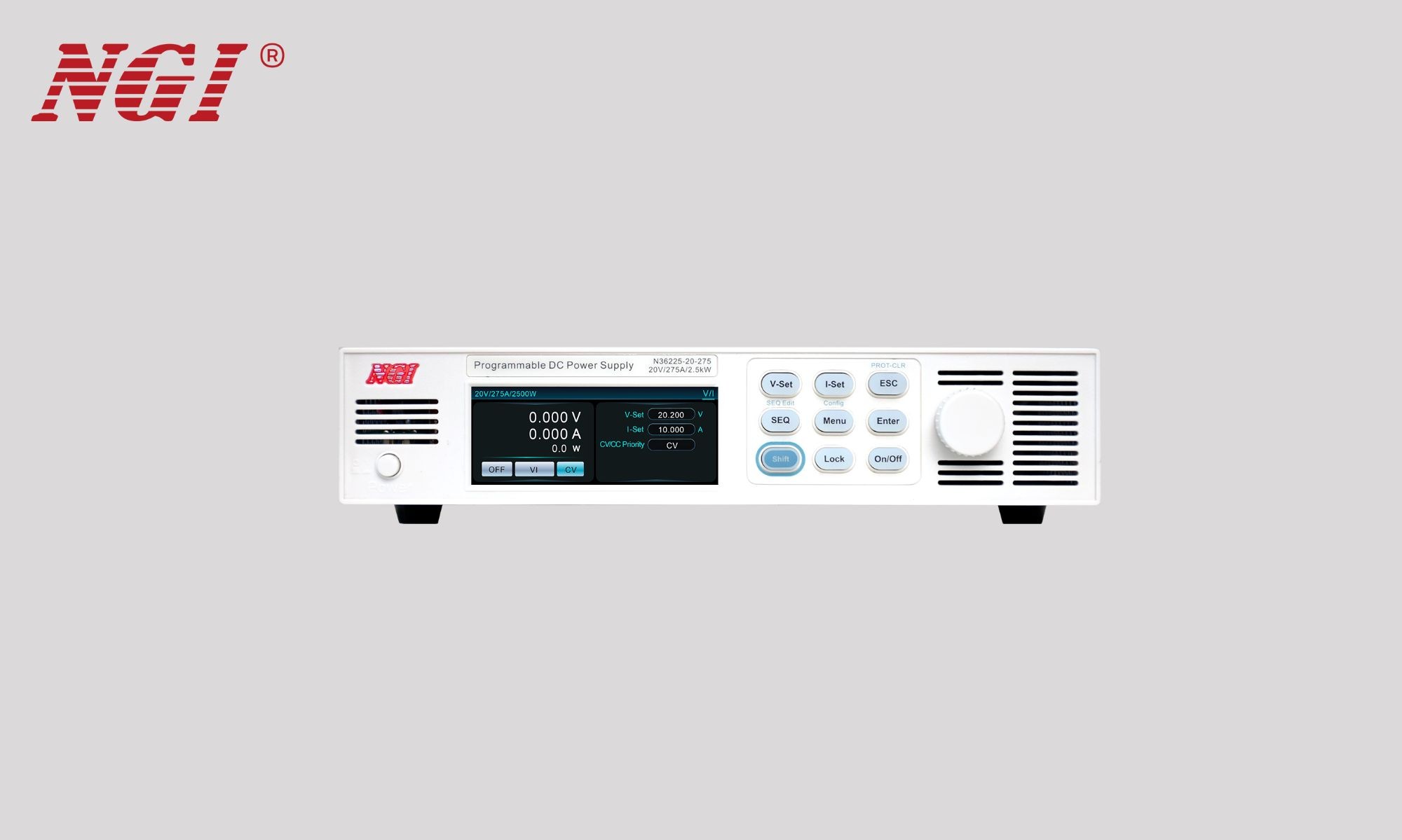
Power analysis & measurement
Instrument commands · VISA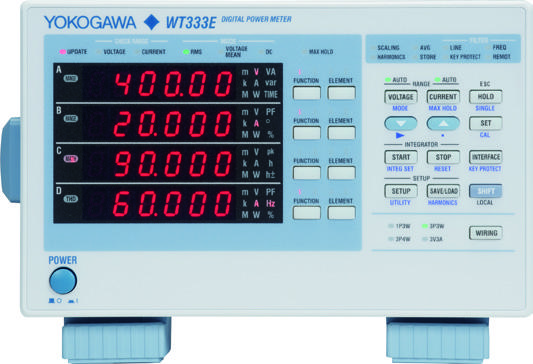
Measurement & programmable power
SCPI · Serial / USB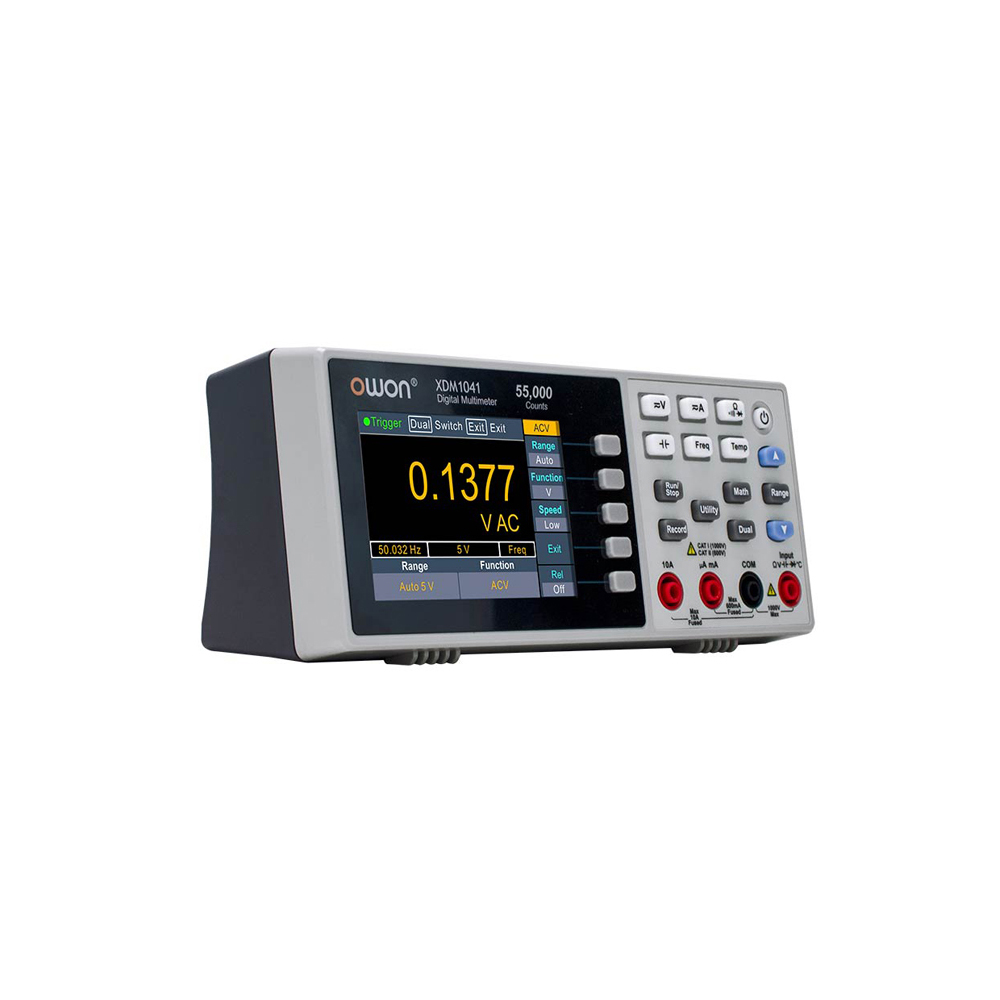
Bench measurement & power
SCPI · USB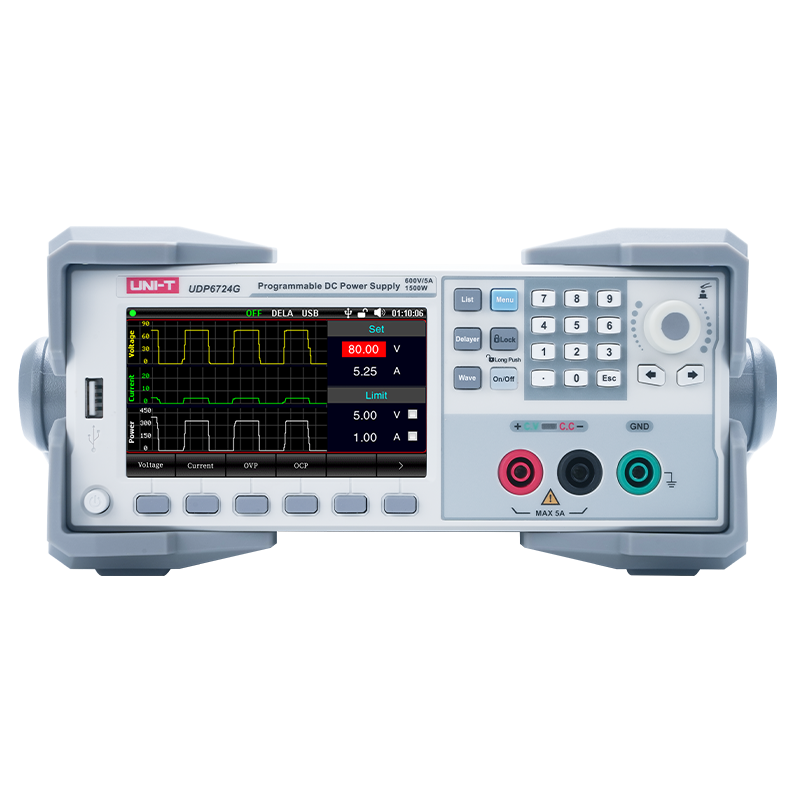
Relay switching & industrial I/O
Modbus RTU · RS485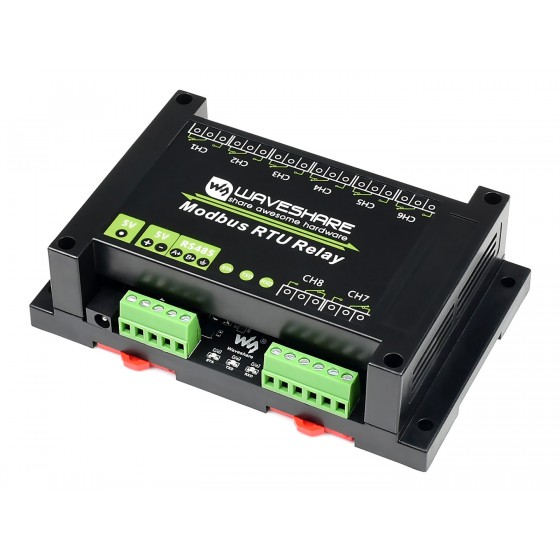
Vision & measurement
LAN · Model-specific serial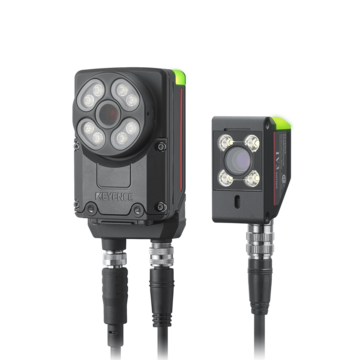
Product identification
LAN · Serial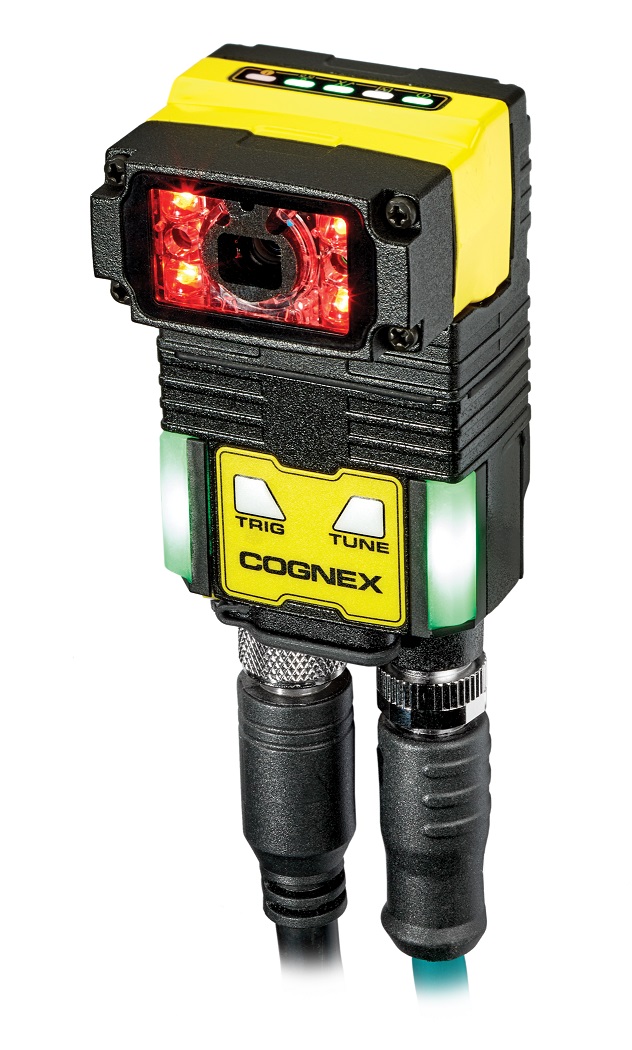
Station control
LAN · Supported PLC protocol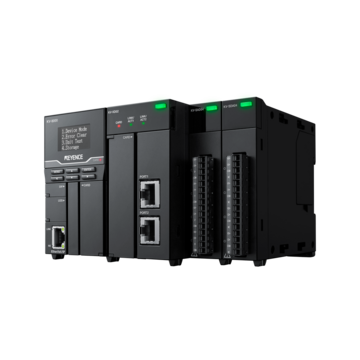
Camera & vision systems
Serial · LAN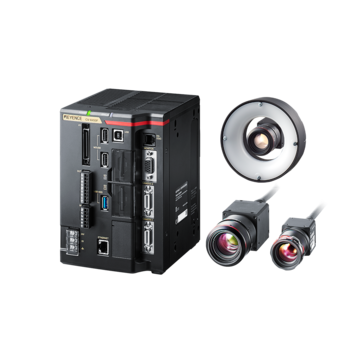
USB vision capture
USB · UVC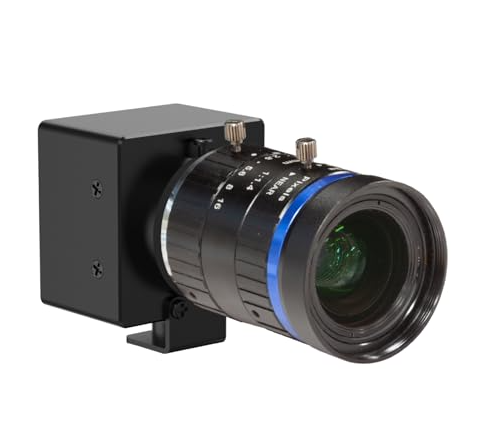
Distributed industrial I/O
RS485 · Modbus RTU / custom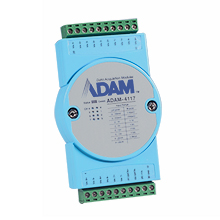
Swipe or scroll to explore. Use the arrow keys when the slider is focused.
Connection families GPIB / IEEE-488 · USB / UVC · Ethernet · RS232 · RS485 · CAN · LIN
Representative hardware. Model, command and driver requirements apply.
*UVC approval applies to camera models confirmed by Raju Bros.
Programming & Flashing
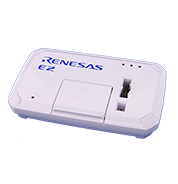
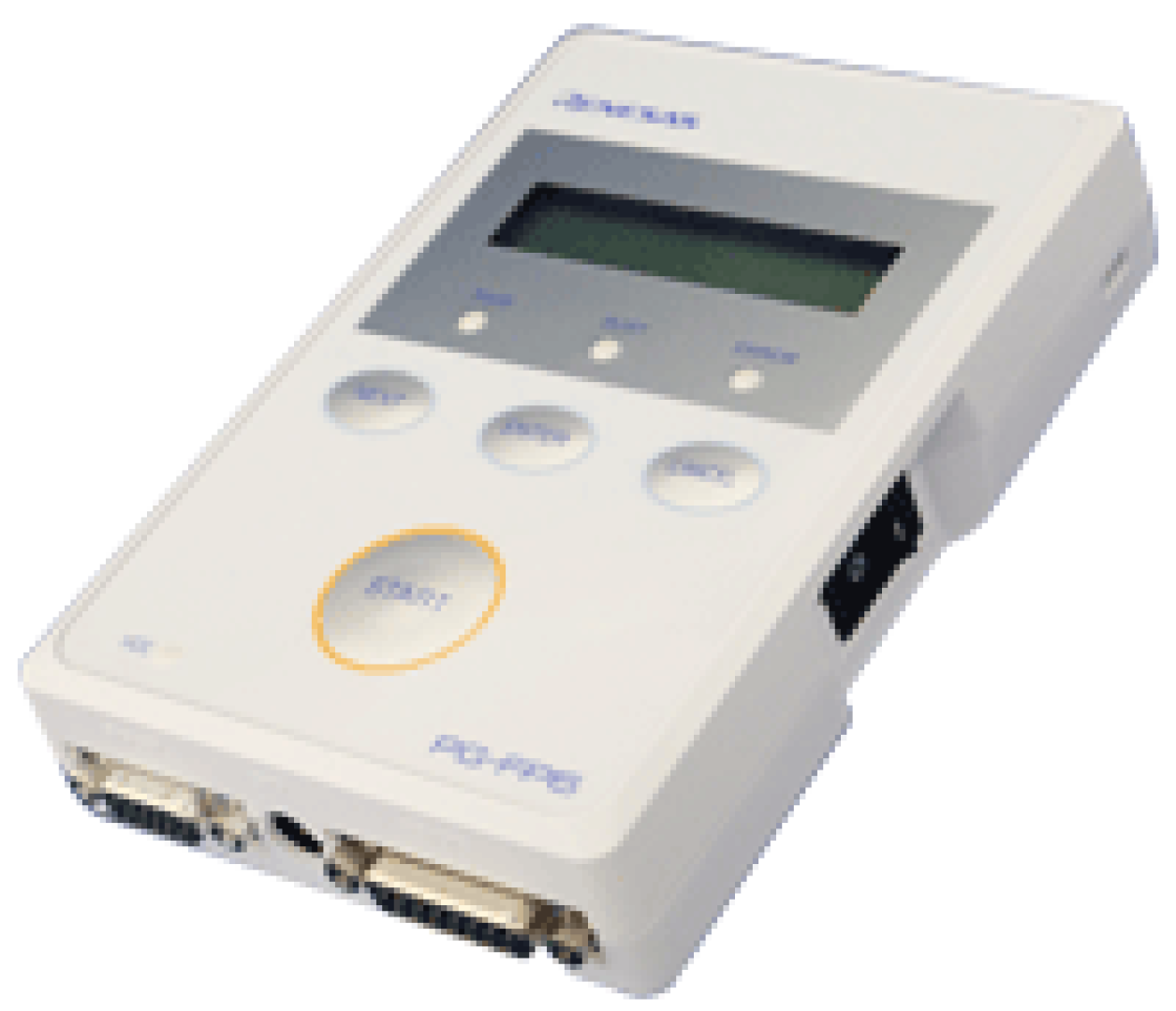
Bring firmware programming into your test sequence with configurable profiles, verification steps and recorded results.
Renesas
Renesas
Renesas
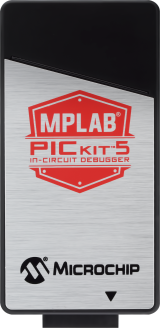
Microchip
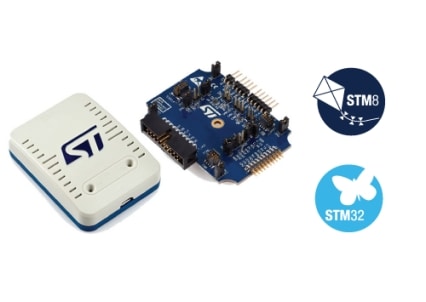
STMicroelectronics
DTS INSIGHT
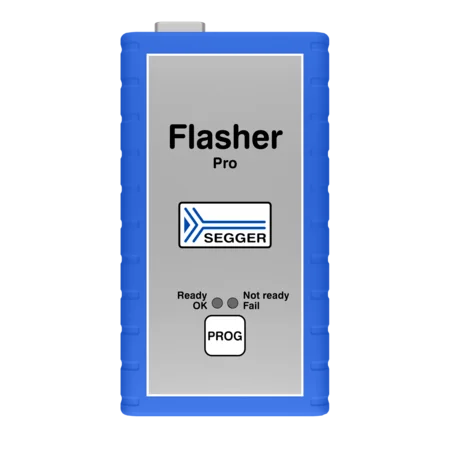
SEGGER
Swipe or scroll to explore. Use the arrow keys when the slider is focused.
Programming profilesFirmware and project inputs · Verification · Tool output · Test-sequence results
General Programming requires the applicable licence and vendor tools. ST-LINK and SEGGER workflows are Beta. PG-FP6 and NETIMPRESS integration needs a compatibility review.
Product photographs: Renesas, Microchip, STMicroelectronics, DTS INSIGHT and SEGGER. Select a product for its manufacturer information.
Activity Log
Follow recorded user activity in BHARAT TEST SUITE—from login sessions and page visits to saved configuration changes. Review who made a change, when it happened, and the previous and updated values where available.
The user and login session behind the activity.
The page, recorded action and affected setting.
The date and time, with filters to narrow the history.
Old and new values for recorded field changes.
Investigate unexpected behaviour, understand configuration history and support quality reviews. Select an activity to inspect its changed fields and the recorded reason or note.
Available to authorised users with Application Log access. Demonstration entries contain no customer activity.
Discuss your workflowReports & Traceability
Save test results as PDF, CSV or TXT. Choose the format that fits your quality reviews, data analysis and engineering workflow.
Results, measurements and configured image evidence in a document ready for review and sharing.
Customer review & quality recordsStructured test data for Excel, filtering, comparison and further analysis.
Spreadsheet & analysis workflowsTest results in a simple text file for engineering review and further processing.
Engineering review & text processingSee an example
From barcode identity to measured values and visual evidence—connected in one test report.
Vision evidence from the same report · Step 39
Industry 4.0 ready
Combine barcode identity, test results and MES exchange with controlled production visibility. Build the information path your factory needs.
Explore connected operationsMeasure & communicate
Execute & record
Validate & trace
Configurable MES exchange · Local-network monitoring
Smart Factory Monitoring shares approved data in read-only mode over a trusted local network. It requires the relevant licence and setup.
Built for your side of the bench
Explore the software with a demonstration built around your application.


